Specifications
General Description
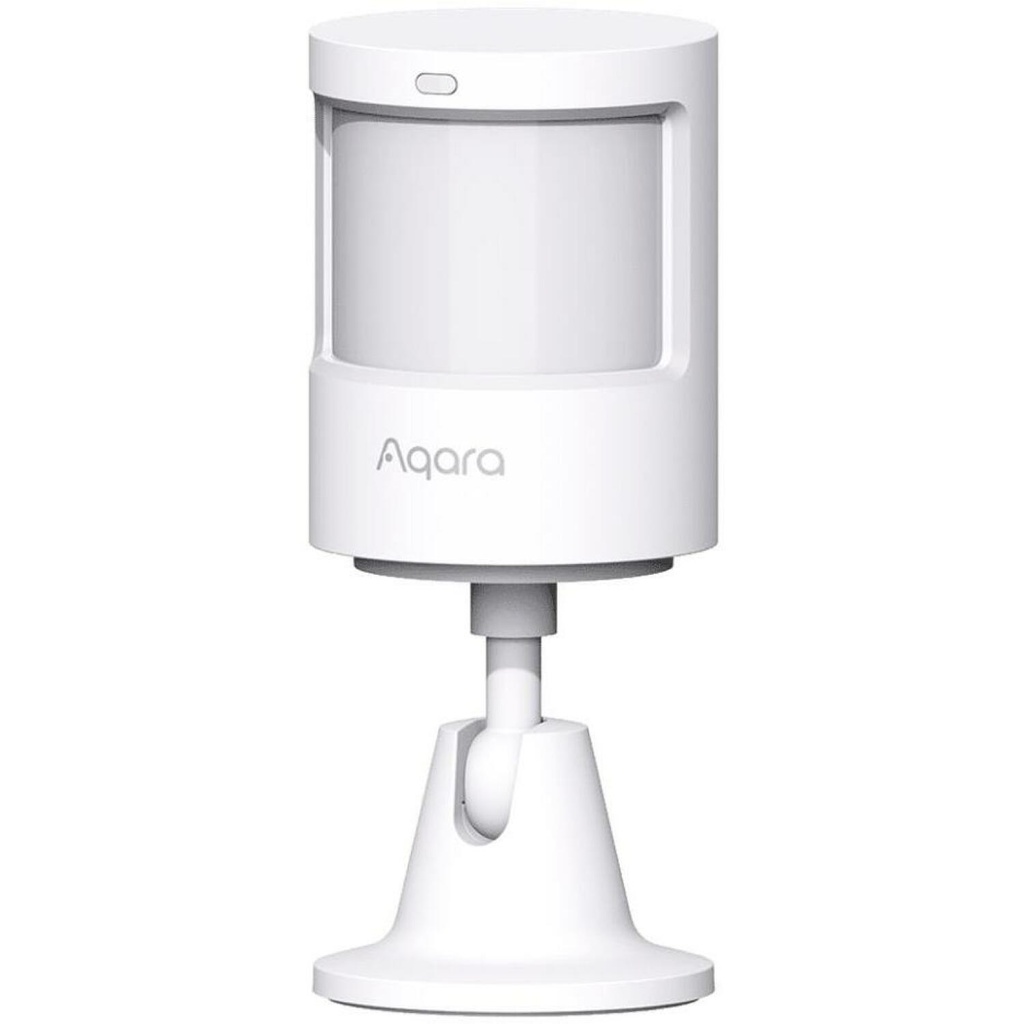
The Aqara Motion Sensor MS-S02 is a sophisticated device designed for smart home automation, providing reliable motion and light detection capabilities. With a long-lasting battery life of up to five years, this sensor ensures continuous monitoring and enhanced security for your home. Its adjustable sensitivity and customizable timeout settings make it an ideal choice for various applications, ensuring optimal performance tailored to your needs.
Main Features and Benefits
- Motion + Light detection → enhances security by detecting movement and ambient light levels.
- 5 year battery → reduces the need for frequent replacements, ensuring long-term reliability.
- Timeout 1s - 200s → allows customization of the sensor's response time to suit different environments.
- Sensitivity Adjustment → enables fine-tuning of detection levels for optimal performance.
- Stand included → provides easy installation and positioning options for effective monitoring.
Technical Specifications
Model name: MS-S02
Dimensions: 55×37×70 mm
Product Net Weight: 0.033 kg
Wireless Frequency Range: 2.4 GHz
Interoperability standard: ZigBee
Compatibility
The Aqara Motion Sensor MS-S02 is compatible with ZigBee-enabled smart home systems. It is not compatible with devices that do not support the ZigBee protocol.
How to Use
1. Unbox the Aqara Motion Sensor MS-S02 and its included stand.
2. Choose a suitable location for installation, ensuring it has a clear line of sight.
3. Attach the sensor to the stand and position it as desired.
4. Connect the sensor to your ZigBee-enabled smart home hub.
5. Adjust the sensitivity and timeout settings according to your preferences.
6. Test the sensor to ensure it is functioning correctly.
7. Monitor the sensor's performance through your smart home app.